Already have an account? Log in here
ckwin Register: Open Your Account in One Short Form
Fill in your phone number and password, verify via SMS, and you are ready to deposit and play. No branch visit, no document upload at sign-up — just one form on your phone.
- Minimum deposit only ৳300 to activate your first bonus
- bKash, Nagad, Rocket and Upay accepted from day one
- Withdrawals processed in about 39 minutes on average
- 24/7 live chat support — in English or via our app
- SSL-encrypted connection throughout registration
18+ only. Gambling involves financial risk. Please play responsibly. If you need help, visit our Responsible Gaming page.
How to Complete Your ckwin Registration
The process has four clear stages. Each one takes about a minute. Use your real phone number — it is the main identifier on your account and cannot be changed easily once set.
-
1
Open the Registration Page
Go to ckwin.cam/ckwin-register/ on your phone browser or inside the ckwin app. The page loads in one screen — no popups, no redirect. If you are on mobile data, make sure your connection is stable before you start.
-
2
Fill In Your Details
Enter your Bangladeshi mobile number (11 digits, starting with 01), create a password of at least 8 characters, and re-enter it to confirm. Add a referral code if a friend shared one with you — this gives you ৳250 when they reach their first deposit. Leave it blank otherwise.
-
3
Verify Your Phone Number
After submitting the form, an SMS OTP arrives on the number you provided. Enter the code within 3 minutes. If the message is slow, tap "Resend" once — do not enter the same number twice or you may trigger a duplicate-account block. OTP delivery is usually under 30 seconds on bKash-registered SIMs.
-
4
Make Your First Deposit
Your account is active the moment OTP is verified. Go to the Deposit section and add a minimum of ৳300 via bKash, Nagad, Rocket, or Upay. Deposits land in your wallet in about 4 minutes. The 140% first-deposit bonus (up to ৳12,000) is credited automatically once your deposit clears and wagering of 11× is completed. See the full deposit guide for step-by-step instructions.
Common Errors During Sign-Up and How to Resolve Them
Most sign-up problems come down to one of five issues. Check the table below before contacting support — you can usually fix it in under a minute yourself.
| Error / Message | What Causes It | How to Fix It |
|---|---|---|
| "Phone number already registered" | That mobile number already has an account, possibly created earlier or by someone else on your SIM. | Go to the login page and use "Forgot Password" to recover access. If the number was misused, contact 24/7 live chat immediately. |
| "OTP expired" or code not arriving | OTPs are valid for 3 minutes. Network delays or spam filters on your phone can hold the SMS. | Wait 60 seconds, then tap "Resend OTP." Check that your phone is not in flight mode. Restart the SMS app if messages are stuck. Try a different network (Wi-Fi vs mobile data). |
| "Passwords do not match" | The password and confirm-password fields have different values, often due to autocorrect changing a character. | Clear both fields and retype manually. Disable autocorrect in your keyboard settings temporarily, or tap the eye icon to reveal the text before submitting. |
| Form submits but page reloads blank | A required field (usually the terms checkbox) was left unticked, or the browser blocked the submit script. | Scroll up to find any red-highlighted field. Tick the age and terms checkbox. If the problem continues, switch to Chrome or the ckwin app browser. |
| "Too many attempts, try later" | Several failed submissions from the same IP address trigger a temporary rate-limit — usually 15 minutes. | Wait 15 minutes before trying again. Use a different network connection (switch from Wi-Fi to mobile data or vice versa). Do not create a second number to bypass this — it may flag your account. |
Still stuck after trying the fixes above? Our 24/7 live chat team can verify your number manually and clear the block within minutes.
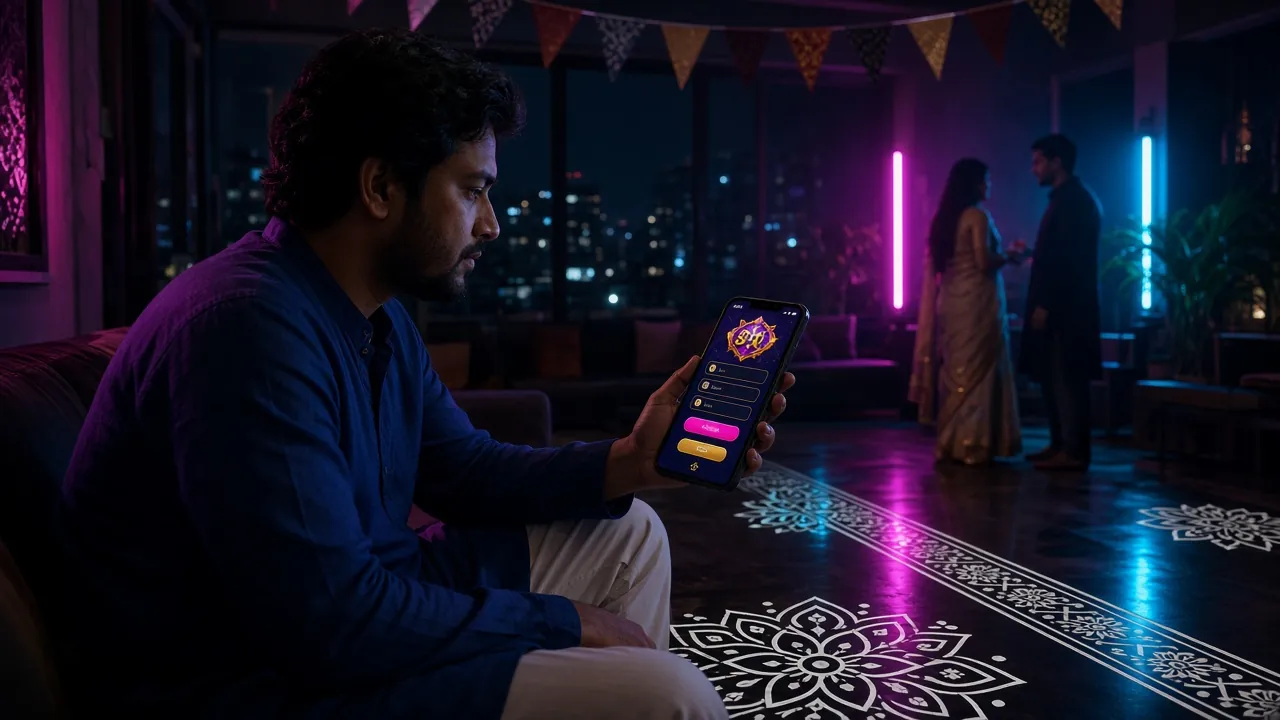
Keep Your ckwin Account Safe from Day One
Your account holds real money. These five habits take less than two minutes to put in place and prevent the most common security problems we see among Bangladesh players.
Use a Strong, Unique Password
Mix uppercase letters, numbers, and a symbol. Avoid your name, birthday, or phone number. Use a password manager so you do not have to remember it. Never reuse a password from another site — if that site is breached, attackers will try it here too.
Register Only on Your Own Device
Avoid signing up on a shared phone or internet café computer. If you must use a shared device, use the app's incognito/private mode and never tick "Remember me." Always log out completely when you leave.
Watch for Fake ckwin Links
Phishing pages copy our registration form but send your credentials to scammers. Always type ckwin.cam directly into your browser or use the official app from our APK download page. We will never ask for your password over chat or SMS.
Log Out After Every Session
Tap your profile icon and choose "Log Out" rather than just closing the browser tab. This ends the session on the server side. If you use the app, enable auto-lock so the app requires your fingerprint or PIN to reopen after 60 seconds of inactivity.
Keep Your Phone Number Current
Your registered number is used for OTP login, password resets, and withdrawal confirmations. If you change your SIM, contact live chat before the old number becomes inactive. Without access to the registered number, account recovery is significantly slower and requires identity documents.
Why Your Welcome Bonus Might Be Cancelled
The 140% first-deposit bonus (up to ৳12,000) has straightforward rules, but a few common mistakes lead to cancellation before players can withdraw. Read these before you deposit.
Multiple Accounts
One account per person, per household, and per device. If our system detects two accounts sharing an IP address, bKash number, or device fingerprint, both accounts are suspended and bonuses are voided. Use only the account you created with your own number.
Requesting Withdrawal Before Completing Wagering
The welcome bonus requires 11× wagering before any withdrawal. If you request a withdrawal while your bonus balance is still active and wagering is incomplete, the bonus is forfeited automatically. Check your wagering progress in the account wallet before clicking "Withdraw."
Depositing Below the Minimum
The bonus only activates on deposits of ৳300 or more. Sending ৳299 or less through bKash — sometimes because a transfer fee reduces the received amount — will not trigger the bonus. Always send a few extra taka to account for any network charges.
Bonus Expires After 7 Days
Once credited, you have 7 days to complete the 11× wagering requirement. If the deadline passes with the wagering unfinished, the remaining bonus and any winnings derived from it are removed. Plan your play sessions around the 7-day window, especially during busy match schedules.
Using Prohibited Betting Patterns
Low-margin arbitrage bets, same-match opposite bets across two accounts, or placing one very large bet to clear wagering in a single spin can trigger a bonus abuse review. The standard approach is spreading your wagering across normal sessions on slots or cricket bets. See the full terms at ckwin Terms & Conditions for the complete list of restricted strategies.
What You Need Before Your First Withdrawal
You can deposit and play immediately after registration. However, the first withdrawal requires a one-time identity check. This is processed by our compliance team and typically takes under 6 hours.
Accepted Identity Documents
- National ID Card (NID) — front and back
- Passport — photo page and ID number page
- Driving Licence — front face
The name on your document must match the name on your bKash or Nagad account. Mismatches are the single most common reason for a delayed review.
How to Upload and What to Expect
- Log in and go to Account > Verify Identity
- Take a clear photo in good lighting — no glare, no blur
- All four corners of the document must be visible
- File size under 5 MB; JPEG or PNG accepted
- Review takes up to 6 hours; often done within 1 hour on first withdrawal
Privacy and Data Handling
- Documents are encrypted at rest and in transit
- Used only for identity and fraud prevention checks
- Never shared with third-party advertisers
- Retained only as long as required by our compliance obligations
Read our full data handling policy on the Privacy Policy page.
Withdrawal Limits After Verification
- Minimum withdrawal: ৳1,100
- Maximum per day: ৳60,000 at VIP 1
- Average processing time: about 39 minutes
- First-ever withdrawal may take up to 1 hour
Higher VIP tiers raise your daily limit significantly. See the full Bonus & VIP guide.
Questions About Registering at ckwin
These are the questions new players ask most often before and just after creating an account.
My registration failed. What should I check first?
I did not receive the OTP SMS. What do I do?
Can I register through the ckwin Android app?
What happens if I forget my password just after registering?
How long does ckwin registration take, and is it free?
Can someone else register an account using my phone number?
Account Created. What's Next?
Log in, make your first deposit, and start playing. If you prefer to use a phone app, grab the Android APK. Want to explore the game library first?